Best Home Security System: How to Choose the Right Protection
Contents
Choosing the best home security system is less about a single “top brand” and more about finding the right match for your home, budget, and tech comfort level. The ideal setup for a small apartment is very different from what a large family house needs. This guide walks you through the key choices so you can pick a system that actually fits your life.
Start With Your Real Security Needs
Before comparing products, get clear on what you want to protect and how you live. This makes every later choice easier and helps you avoid paying for features you never use.
Think about your home type, daily routine, and risk level. A quiet rural house, a city condo, and a shared rental all need different security setups.
Home type and layout
The best home security system for you depends heavily on size and layout. A compact system may be enough for a one-bedroom apartment, while a multi-story house needs wider coverage.
Count exterior doors, ground-floor windows, and any easy access points like balconies or basement doors. Note where you have power outlets and good Wi‑Fi coverage, because many modern systems depend on both.
Risk, valuables, and lifestyle
Next, think about what you are most worried about. Is it burglary, package theft, break‑ins at night, or something else like fire or leaks?
If you have expensive electronics, jewelry, or work equipment at home, you may want stronger protection and professional monitoring. If you travel often, remote access and alerts become more important than for someone who is home most days.
Monitored vs DIY: Two Main Types of Home Security Systems
Most options fall into two broad groups: professionally monitored systems and self-monitored DIY systems. Your choice here has the biggest impact on cost, setup, and day‑to‑day use.
Professionally monitored systems
Professionally monitored systems connect to a central monitoring center. When an alarm triggers, staff check the alert and can contact emergency services for you.
These systems often come with contracts, monthly fees, and sometimes professional installation. They suit people who want a “set and forget” approach and are happy to pay for that peace of mind.
DIY self‑monitored systems
DIY systems send alerts directly to your phone through an app. You decide how to respond, whether that is calling a neighbor, checking a camera, or contacting the police.
These systems usually have lower monthly costs and flexible, no‑contract plans. They work well for tech‑comfortable users who keep their phones with them and want more direct control.
Key Features That Define the Best Home Security System
Once you know your type of system, focus on core features. These shape how secure, convenient, and future‑proof your setup will be.
Essential sensors and devices
Almost every good system starts with a base hub and basic sensors. From there, you can add extra devices based on your needs and budget.
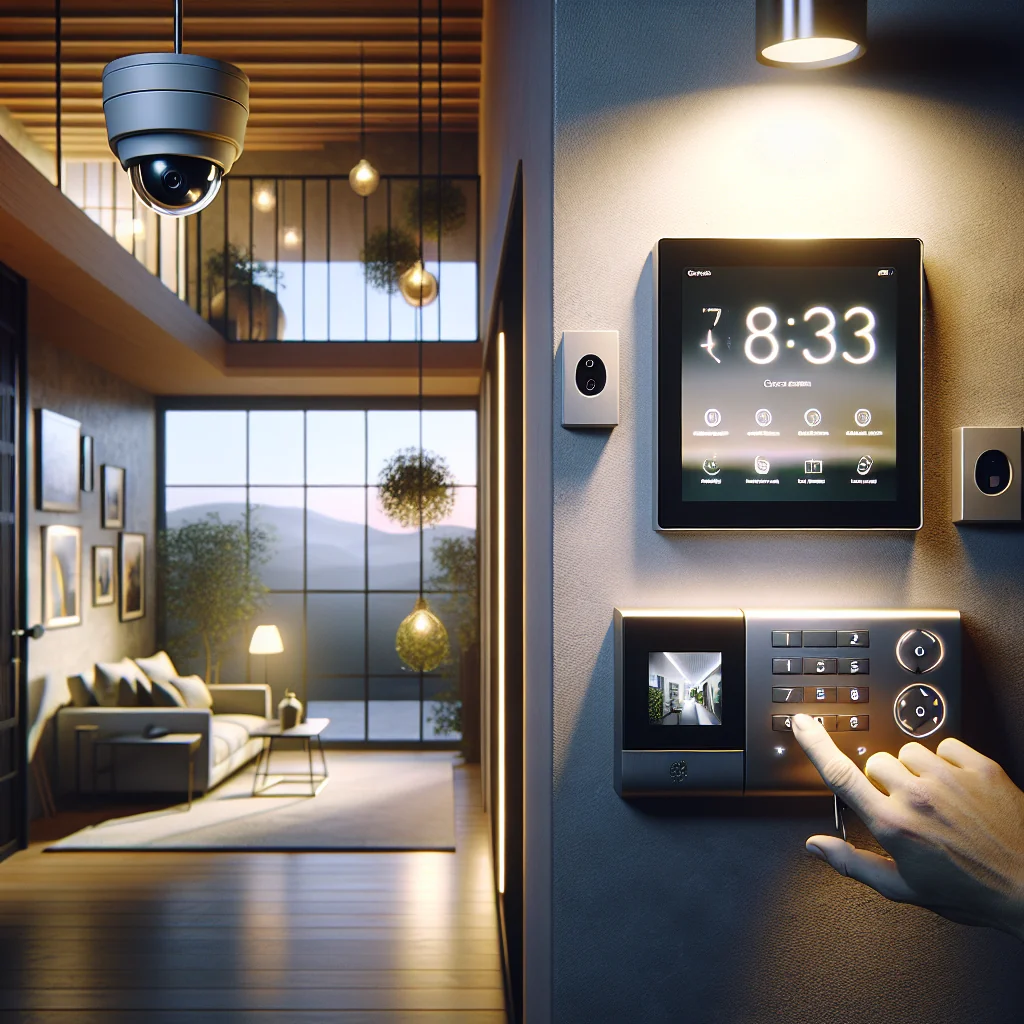
Door and window sensors protect entry points, while motion sensors cover open areas. Glass break sensors, sirens, and keypads round out a strong core setup.
Cameras and video options
Security cameras are optional but very useful. They help you verify alerts and can deter intruders.
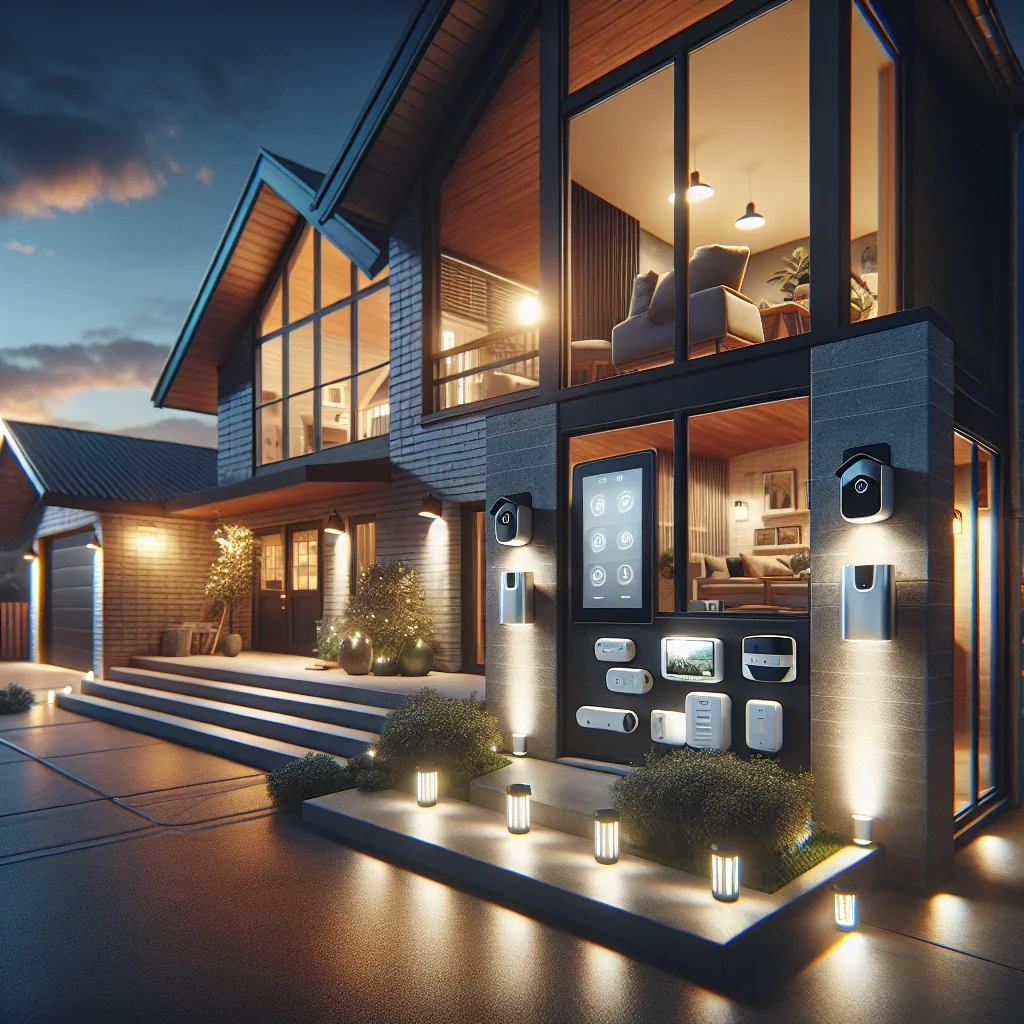
Decide if you want indoor cameras, outdoor cameras, or a video doorbell. Check video quality, night vision, storage options, and whether you can view clips easily from your phone.
Smart home and automation
Many of the best home security systems now integrate with smart home platforms. This can add both convenience and extra security.
Look for support for systems like Alexa, Google Home, or Apple Home. Automation can let you do things like turn on lights when a sensor triggers or lock doors automatically at night.
Comparison Table: Finding the Best Home Security System Type for You
This table gives a quick side‑by‑side view of the main system types and who they suit best.
| System Type | Best For | Pros | Cons |
|---|---|---|---|
| Professionally monitored, professionally installed | Large homes, busy families, less tech‑savvy users | Hands‑off, expert setup, strong support | Higher upfront and monthly costs, contracts common |
| Professionally monitored, DIY installed | Owners who want monitoring but like flexibility | Lower install cost, more control, good protection | Monthly fee, some setup effort |
| DIY self‑monitored system | Renters, tech‑comfortable users, budget‑focused buyers | No long contracts, lower ongoing cost, easy to move | You must respond to alerts, less support in emergencies |
| Camera‑only setups | Basic deterrence, package theft, small spaces | Simple, visual proof, easy to install | Limited protection, no full sensor coverage |
Use this table as a starting point, then layer in your own needs, such as smart home use, pets, and travel habits. The “best” type is the one that matches how you actually live, not the one with the longest feature list.
Must‑Have vs Nice‑to‑Have Features
To avoid overspending, separate core features from extras. Think about what you truly need on day one and what you can add later.
- Must‑have basics: entry sensors for doors, motion sensors for main areas, a loud siren, a reliable hub, and a good mobile app.
- Stronger protection: extra window sensors, glass break sensors, outdoor cameras, video doorbell, backup battery, and cellular backup.
- Convenience and comfort: smart locks, smart lighting, thermostat control, voice assistant support, and simple guest access codes.
- Safety add‑ons: smoke and heat detectors, carbon monoxide sensors, water leak sensors, and panic buttons.
Start with the must‑have group and ensure that part fits your budget and home. You can then add stronger protection, comfort, and safety extras in stages as money and time allow.
Costs, Contracts, and Hidden Fees to Watch
Two systems can look similar but cost very different amounts over a few years. Take time to understand all costs before you commit.
Upfront vs monthly costs
Upfront costs usually cover the equipment and sometimes installation. Monthly fees cover monitoring, cloud storage for video, and app access for some brands.
DIY systems often have higher upfront costs but lower monthly fees. Monitored systems may offer cheaper equipment with a higher long‑term service cost.
Contracts, cancellation, and ownership
Read the contract details carefully. Look for minimum terms, price increases, and what happens if you move.
Check whether you own the equipment or lease it. Owning can be better if you plan to stay in one place or move the system later.
Special Cases: Renters, Pet Owners, and Large Homes
Some homes have extra needs that change what the best home security system looks like. A one‑size choice rarely works well here.
Renters and shared homes
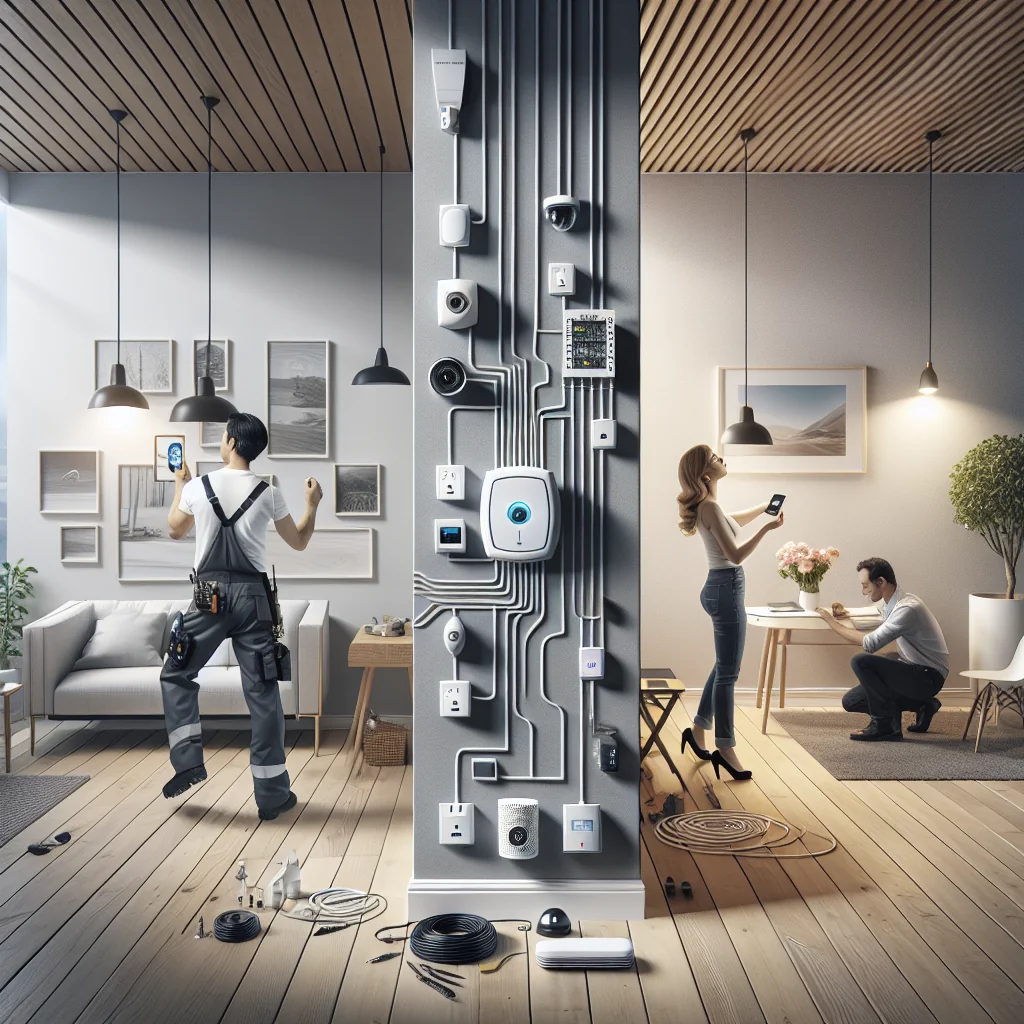
Renters should look for systems that do not require drilling or wiring changes. Wireless, peel‑and‑stick sensors and Wi‑Fi cameras are ideal.
Also check that you can take the system with you when you move and that the app handles multiple users cleanly in a shared space.
Homes with pets
Pets can trigger motion sensors and cause false alarms. Look for “pet‑immune” motion sensors and mount them at the right height.
You may rely more on door and window sensors and place indoor cameras where pets do not roam at night.
Large homes and multi‑building setups
Larger homes or homes with garages, sheds, or guest houses may need extended range. In that case, choose a system that supports extra hubs or repeaters.
Plan zones so you can arm parts of the home at night while still moving freely in others.
How to Shortlist and Test the Best Home Security System for You
Once you understand your needs and options, you can build a simple shortlist. Testing in real life is often the final step.
Create a focused shortlist
Pick three to five systems that match your type (monitored or DIY), budget, and feature list. Check independent reviews for reliability and app quality.
Look for clear support information, active updates, and easy‑to‑reach customer service. A good system with poor support can become a headache fast.
Test before you fully commit
If possible, start with a starter kit rather than a huge bundle. Use the system for a few weeks and see how you feel about alerts, app speed, and daily use.
Once you are happy, expand with more sensors, cameras, or smart devices. This staged approach helps you avoid buying gear that never leaves the box.
Bringing It All Together
The best home security system is the one that protects your home without getting in your way. Start from your real risks and lifestyle, choose between monitored and DIY, then focus on solid basics before chasing advanced extras.
If you match system type, features, and cost to your actual needs, you will end up with a setup that feels natural, stays within budget, and gives you real peace of mind every day.