GSM Security Alarm System: Complete Guide to Reliable Wireless Protection
Contents
Burglars now check for phone line cuts and Wi‑Fi jammers, so a basic wired alarm is no longer enough. A GSM security alarm system adds a mobile SIM card to your alarm, so it can send alerts over the cellular network even if power, Wi‑Fi, or landlines fail. This extra path keeps you informed and gives you time to act. Whether you protect a flat, a shop, or a remote warehouse, GSM can bridge the gap between an alarm siren and a real response. This guide explains how GSM alarm systems work, what to look for, and how to choose the right setup without wasting money on flashy features you never use.
What Is a GSM Security Alarm System and Why It Matters
A GSM security alarm system uses the mobile phone network to send alerts when sensors detect a break‑in, fire, gas leak, or panic trigger. The control panel holds a SIM card, just like a phone. When an event occurs, it sends SMS, app push, or voice calls to you, your family, or a monitoring center.
This approach solves a key weakness in traditional alarms. Old systems depend on landlines or local sirens. If a thief cuts the cable or no one hears the siren, the alarm fails. GSM creates an independent channel that is harder to disable, especially in remote or unmanned sites.
Modern GSM panels often combine several technologies. Many support Wi‑Fi, Ethernet, and GSM in one unit. The system tries the cheapest or fastest path first, then falls back to GSM if needed. This keeps running costs low while keeping reliability high.
- Independent communication: Works even if landline or Wi‑Fi goes down.
- Fast alerts: Sends SMS, calls, or app notifications within seconds.
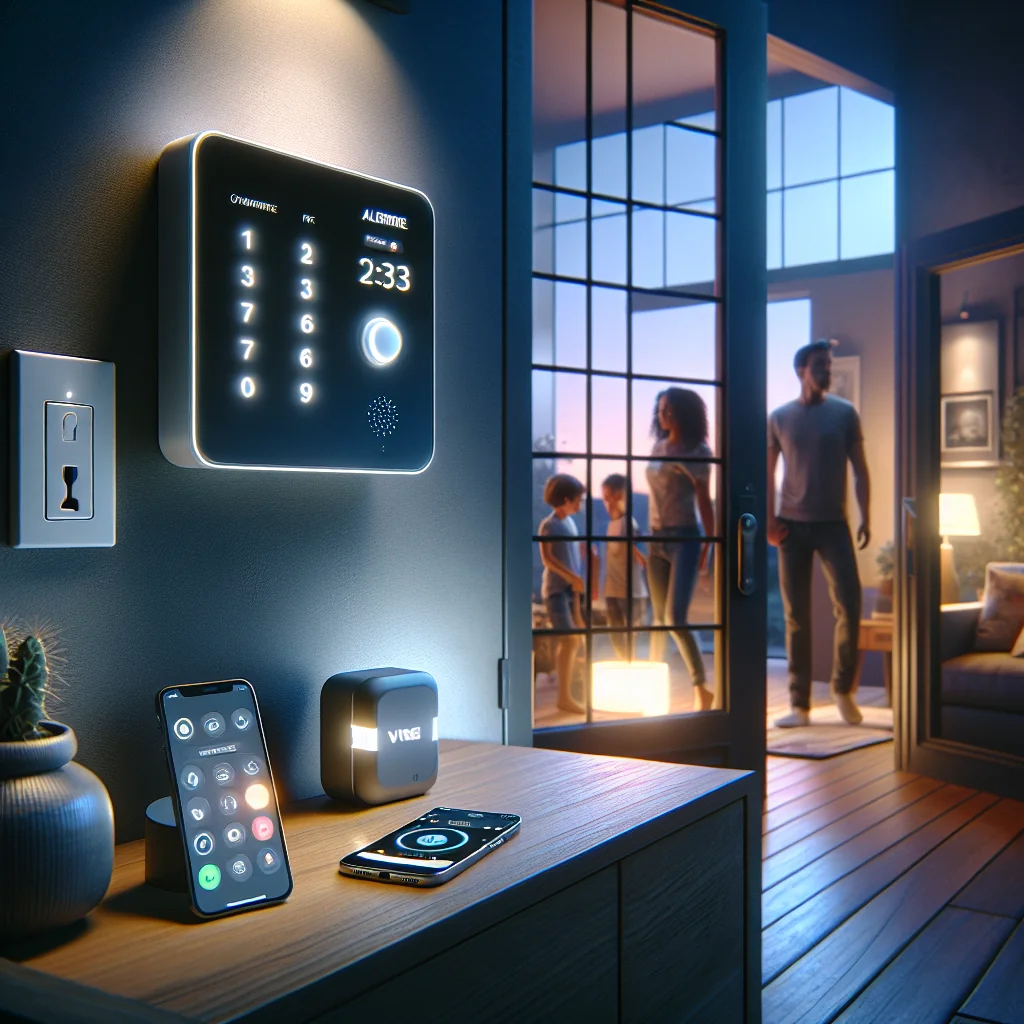
- Remote control: Arm, disarm, and check status from your phone.
- Flexible installation: Ideal for rented homes or sites without fixed lines.
- Scalable coverage: Add more wireless sensors as your needs grow.
Because GSM relies on mobile coverage, it suits most urban and suburban properties, plus many rural sites. Where coverage is weak, an external antenna or signal booster can often solve the problem.
How to Plan and Use a GSM Security Alarm System Effectively
A GSM alarm is only as strong as its setup. Good planning, clear zones, and correct SIM settings make the difference between a reliable system and a noisy gadget that everyone ignores. The following steps walk through planning, configuration, and daily use so you end up with a system people trust and respond to.
1. Plan Your Security Zones and Choose the Right Components
Start with a simple map of your property. Mark entry points such as front doors, back doors, garage doors, balcony doors, and ground‑floor windows. Add high‑value areas like offices, safes, server rooms, and stock rooms. This map guides your sensor choices and helps you avoid gaps.
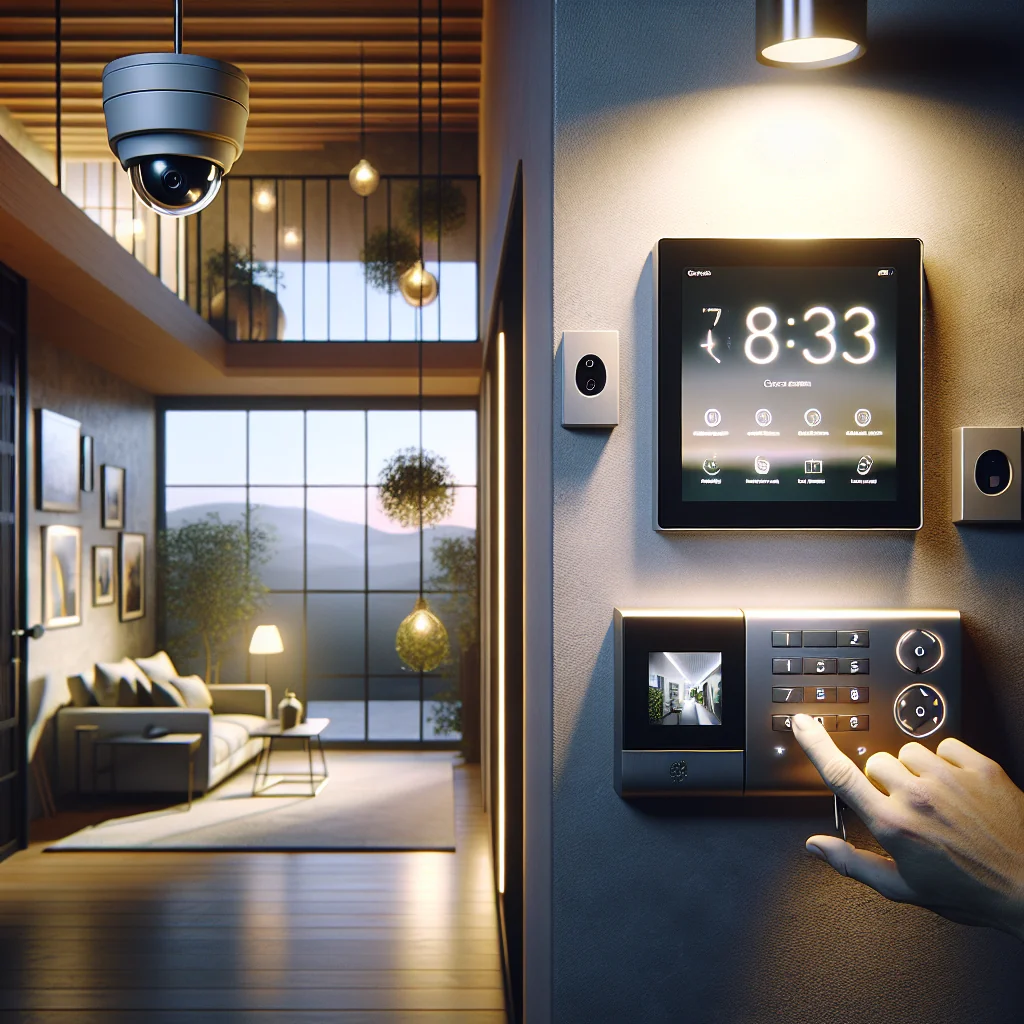
Door and window contacts act as your first line of defense. Place them on all main entry points, especially those hidden from street view. Motion detectors then cover internal routes, such as hallways and staircases. Glass break sensors help in rooms with large windows or sliding doors, where intruders may skip the lock and go straight through the glass.
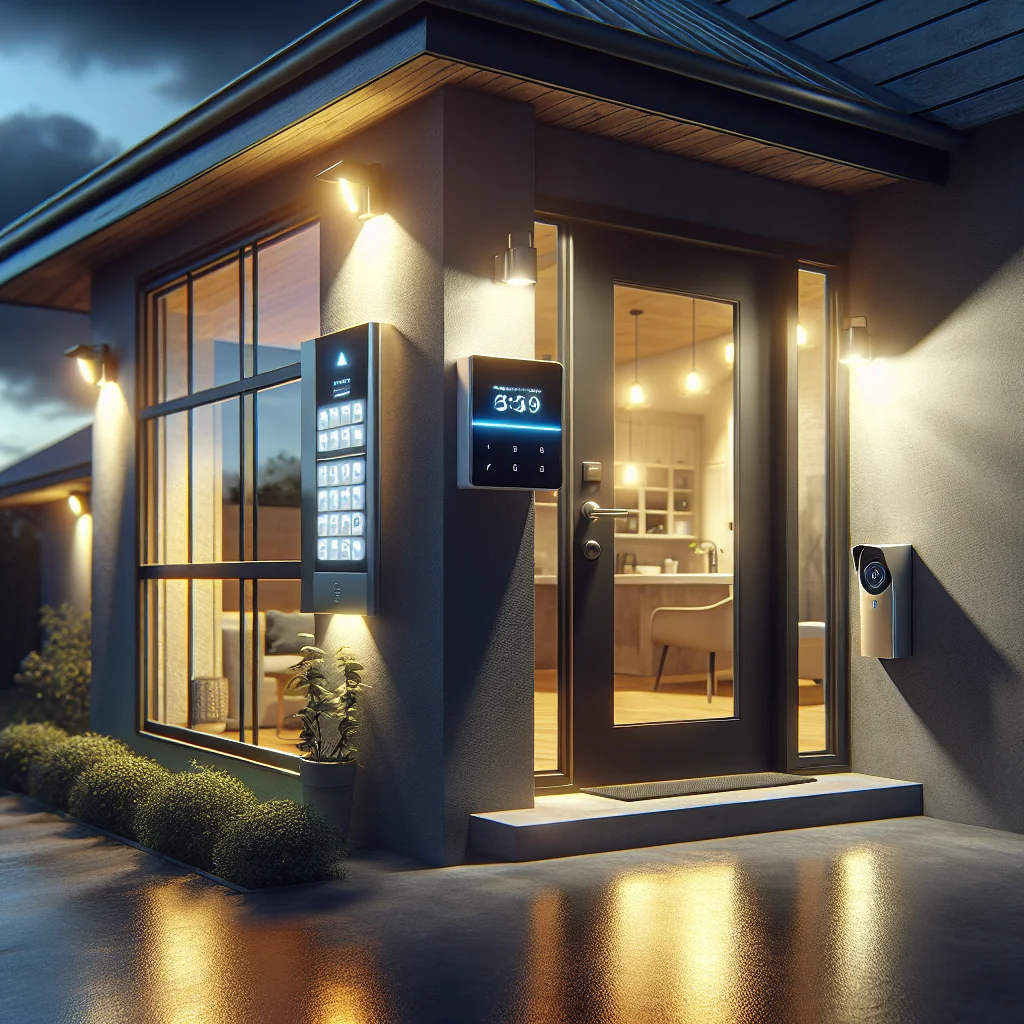
For a typical two‑bedroom flat, a common setup is: one control panel near the main door, one keypad or RFID reader for quick arming, four to six door/window contacts, two motion detectors, and one internal siren. A small shop may add a panic button under the counter, a sensor on the back door to the stock room, and an external siren to alert nearby people on the street.
Check that all sensors are compatible with your chosen GSM panel. Many panels use 433 MHz or 868 MHz wireless frequencies. If you mix brands, confirm they use the same frequency and protocol to avoid pairing issues. If you plan to expand later, choose a panel that supports more zones than you need today.
Think about environmental risks as well. Add smoke or heat detectors in kitchens and corridors, and gas or CO detectors near boilers and gas appliances. GSM alerts for fire or gas often give you more value than burglary alerts, because a fast response can limit damage to the entire building.
2. Configure the GSM Module, SIM Card, and Alert Settings
Once you install the hardware, you must set up the GSM side correctly. Insert a SIM card from a reliable network with good signal at your site. Prepaid SIMs work well if you enable auto top‑up, so the card never runs out of credit. For business sites, a low‑usage M2M (machine‑to‑machine) plan can be more stable and easier to manage across several locations.
Test signal strength at the control panel location. Many panels show signal bars on the screen or in the app. If you see weak signal, move the panel or attach an external GSM antenna away from metal cabinets, electrical panels, or thick concrete walls. In basements, you may need to route the antenna closer to a window or higher floor.
Next, program the phone numbers that will receive alerts. Most panels let you add several contacts for SMS and several for voice calls. Use at least two numbers, such as your mobile and a partner or trusted neighbor, and consider a work phone as a backup. Some systems also support email or app push notifications through a cloud server, which helps if you travel abroad and keep a different SIM in your phone.
Decide how the system should behave for each event type. For example, you might send SMS only for arming/disarming, but both SMS and calls for burglary, fire, or panic alarms. Keep messages clear and short, such as “Zone 3: Living room motion alarm” so you know what happened at a glance. If your panel supports it, use different message texts for fire, gas, and intrusion to avoid confusion under stress.
Check GSM‑specific options such as PIN code, APN settings for data, and roaming permissions. Disable the SIM PIN if your panel does not handle it well, or store the PIN in your configuration notes. If you place the system in a border area where phones switch networks, confirm that roaming does not cause extra fees or blocked alerts.
3. Daily Use, Testing, and Maintenance for Long‑Term Reliability
Daily use shapes how much you trust your GSM alarm. If it triggers false alarms often, people stop reacting. If alerts arrive late or never, you lose confidence. Simple habits keep the system reliable and keep everyone in the house or office comfortable using it.
Train all users on arming modes. “Away” mode usually arms all sensors, while “Stay” or “Home” mode ignores internal motion detectors so you can move inside at night. Use RFID tags or keyfobs for children or staff who may forget PIN codes. Make sure everyone knows how to cancel a false alarm quickly and who to call if they receive an alert while away.
Test the system monthly. Arm it, trigger a sensor, and confirm that the siren sounds and you receive SMS or calls within a reasonable time. Log how long alerts take to arrive and which numbers receive them. If delays grow, check GSM signal, credit balance, app server status, or any changes your mobile operator made to SMS routing.
Replace batteries in wireless sensors every one to two years, or sooner if the panel shows low battery warnings. Dust motion detectors lightly and keep them away from direct sunlight, heaters, and moving plants or curtains. For external sirens, check that the housing is intact, that water has not entered, and that the tamper switch still works if someone tries to remove it.
Once a year, review your zone setup. If you added a new door, changed furniture, installed shutters, or started storing higher‑value items in a different room, adjust sensor placement and zone labels. A quick review often reveals blind spots you missed on day one, such as a sliding window behind new shelves or a side gate that people start using more often.
Keep a simple maintenance log. Note test dates, battery changes, SIM top‑ups, and any false alarms with their causes. This record helps you spot patterns, such as a sensor that triggers every windy night, and it also helps installers or insurers understand how you manage the system.
Comparing GSM Security Alarm Options, Costs, and Features
GSM alarm systems range from basic DIY kits to advanced hybrid panels used in commercial sites. The table below compares common options to help you match features and costs to your needs. Use it as a starting point, then check specific models for details such as app quality, warranty, and local support.
| System Type | Typical Price Range | Installation | Best For | Main Pros | Main Cons |
|---|---|---|---|---|---|
| Basic GSM DIY Kit | $80–$200 | Self‑install | Small flats, rentals | Low cost, easy setup, wireless sensors | Limited zones, simple app, fewer expansion options |
| Mid‑Range Smart GSM Panel | $200–$500 | Self or professional | Houses, small offices, shops | App control, multiple zones, Wi‑Fi + GSM backup | More complex setup, may need subscription for cloud features |
| Hybrid Wired/Wireless GSM System | $400–$1,000+ | Professional | Large homes, warehouses, multi‑site businesses | High reliability, many zones, integrates with access control and CCTV | Higher cost, requires planning and professional install |
| GSM Alarm with 24/7 Monitoring | $30–$60/month + hardware | Professional | High‑risk sites, jewelry stores, pharmacies | Monitoring center response, guard dispatch, insurance benefits | Ongoing fees, contracts, less DIY flexibility |
For most homeowners, a mid‑range smart GSM panel hits the sweet spot between features and price. Business owners with valuable stock often move to hybrid systems or monitored services, since the cost of one incident can exceed years of monitoring fees. DIY kits suit renters and small spaces, but be realistic about their limits in coverage, tamper protection, and integration with CCTV or access control.
Common GSM Alarm Mistakes and Advanced Security Tips
Many GSM alarms fail in real incidents because of simple setup errors. Avoid these mistakes and apply a few advanced tactics to raise your security level without huge extra cost. Treat this list as a checklist during installation and during your yearly review.
- Place the control panel in a protected spot, not right by the front door where an intruder can smash it within seconds.
- Use entry and exit delays wisely; keep them short and avoid long delays that give intruders extra time inside.
- Test GSM signal and SIM credit monthly so alerts do not fail during a real emergency.
- Reduce false alarms by moving motion sensors away from air vents, pets, and direct sunlight.
- Enable event logs and review them regularly to spot patterns, such as repeated late‑night door openings.
- Use different arming codes for family members or staff and change them after someone leaves the household or company.
- Combine GSM alerts with at least one loud siren to scare off intruders and draw attention.
- Set up geo‑based reminders or schedules so you get a prompt if you leave home without arming the system.
- Back up power with a quality battery so the system runs through outages and still sends GSM alerts.
- Document your configuration, including SIM PIN, phone numbers, and zone list, and store it in a safe place.
These actions keep your GSM alarm reliable day after day. They also make it easier to work with installers, monitoring centers, or insurers, because you can show clear records of how the system is set up and maintained. Over time, that discipline gives you fewer false alarms, faster responses, and a system that quietly does its job in the background.
Conclusion
A GSM security alarm system adds a vital communication layer that standard alarms often miss. By sending SMS, calls, and app alerts over the mobile network, it keeps you informed even if phone lines or internet fail. The key is to match the system type to your property, plan zones carefully, and keep the SIM and signal in good shape.
With thoughtful placement, clear alert rules, and regular testing, a GSM alarm becomes a quiet, steady guardian rather than a source of false alarms. That mix of wireless flexibility and dependable communication gives you a stronger grip on your security, whether you protect a small flat or a complex business site. If you invest a bit of time upfront and follow simple maintenance routines, your GSM system will repay you with years of reliable protection and fewer unpleasant surprises.