Home Alarm System With Monitoring: Clear Guide for Safer Homes
Contents
A home alarm system with monitoring connects your sensors and sirens to a professional monitoring center that watches alerts for you, day and night. Instead of relying only on loud alarms or phone notifications, a monitored system adds trained staff who can call you, verify alarms, and contact emergency services. This extra layer of response is why many homeowners and renters choose monitored security over standalone DIY alarms.
This guide explains how monitored home alarms work, what features matter, and how to choose a system that fits your home, lifestyle, and budget.
What a Home Alarm System With Monitoring Actually Includes
A monitored alarm is more than a keypad and a loud siren. It is a group of devices and services that work together to detect problems and trigger a response. Understanding the main parts helps you compare offers and avoid paying for features you will never use.
Most modern monitored systems include a mix of hardware in your home and a remote monitoring service that runs 24/7.
Core hardware inside your home
The physical devices in a home alarm system with monitoring do the actual sensing and alerting. They send signals to a central hub, which then passes alerts to the monitoring center.
Common hardware parts include:
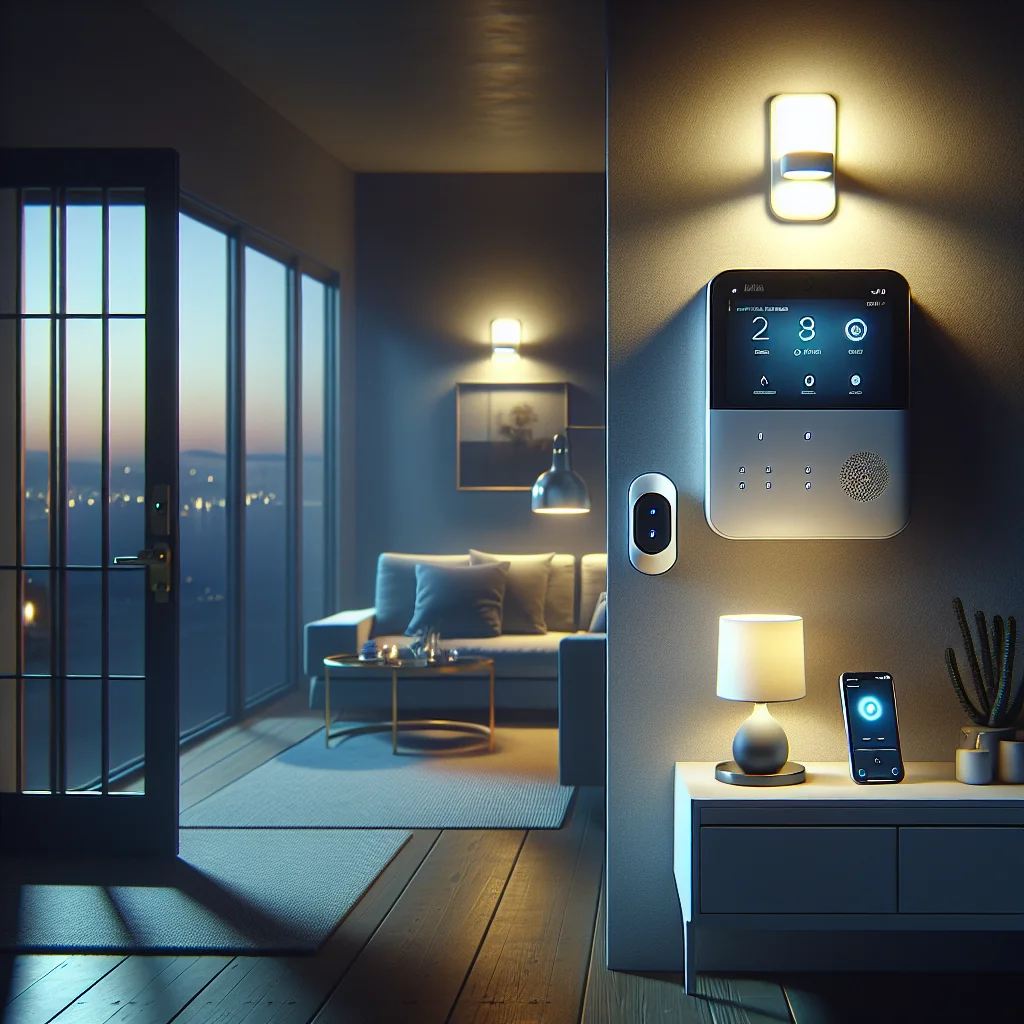
- Control panel or hub – The brain of the system, connected to power and backup battery.
- Keypad or touch screen – Used to arm, disarm, and view system status.
- Door and window sensors – Detect when an entry point opens while the system is armed.
- Motion detectors – Sense movement in key areas such as hallways or living rooms.
- Glass-break sensors – Listen for the sound pattern of breaking glass.
- Indoor and outdoor sirens – Make loud noise to scare intruders and alert neighbors.
- Environmental sensors – Smoke, heat, carbon monoxide, water leak, or temperature sensors.
- Key fobs and panic buttons – Allow quick arming or emergency alerts with one press.
- Security cameras – Optional, but often integrated for live view and video clips.
Not every home needs every sensor type. A small apartment may work well with a hub, a few door sensors, and one motion detector, while a large house may benefit from extra motion and glass-break coverage.
The monitoring service behind the scenes
The monitoring side is the service you pay for each month. This service gives you 24/7 staff who watch for alerts from your system and respond according to your plan.
When an alarm triggers, the system sends a signal to the monitoring center using internet, cellular, or both. Staff then follow a script: they may call you, check backup contacts, and if needed, contact police, fire, or medical services.
Good monitoring services also handle low battery warnings, communication failures, and other system issues, so you know when something needs attention.
How Monitored Home Alarms Work Step by Step
Understanding the flow from sensor to response helps you see the value of monitoring and spot weak points. Here is a simple view of how most systems behave during an alarm event.
The steps below describe a typical burglary alarm, but the flow is similar for fire or carbon monoxide alerts.
- Sensor detects a problem – A door opens, motion is detected, or smoke is sensed.
- Control panel checks system status – If the system is armed or the sensor is always active (like smoke), the panel treats this as an alarm.
- Entry delay or instant alarm – For entry doors, the system may wait a short time to let you enter and disarm. For glass-break or smoke, the system often triggers right away.
- Sirens and alerts activate – Sirens sound, and your phone or app receives a push notification or text.
- Signal goes to the monitoring center – The control panel sends an encrypted signal over internet, cellular, or both.
- Monitoring staff review the alert – The operator sees which sensor triggered and what type of alarm it is.
- Verification call or message – The center contacts you or your listed numbers to confirm if the alarm is real or false.
- Emergency services contacted if needed – If you confirm an emergency, do not respond, or use a duress signal, the operator contacts police, fire, or medical services.
- Incident logged and followed up – The monitoring center records the event and may follow up after the situation ends.
This step-by-step path is what separates a home alarm system with monitoring from a simple siren or DIY camera that only sends you an alert. If you miss a notification, the monitoring center still acts.
Key Benefits of a Home Alarm System With Monitoring
Many people ask if monitoring is worth the ongoing cost. The answer depends on your risk level, schedule, and budget, but monitored systems do offer clear advantages over self-monitored setups.
Here are the most important benefits to consider.
24/7 human response, even when you are busy
Self-monitored alarms rely on your phone and your attention. If your phone is off, out of signal, or you are sleeping, you might miss a critical alert. A monitored system adds trained staff who respond every time, day or night.
This matters for both security and safety alerts, such as smoke or carbon monoxide, where seconds count and you may not be able to respond yourself.
Faster and clearer contact with emergency services
Monitoring centers work with emergency services every day. Staff know what information to give and how to describe the event. In some regions, verified alarms from monitoring centers may be treated as higher priority than unverified calls.
For you, this means less confusion in a crisis, especially if you are away from home or under stress.
Extra features beyond burglary protection
Modern monitored systems often combine intrusion, fire, carbon monoxide, and sometimes flood detection in one platform. You pay for one monitoring plan but cover several risks at once.
Some services also offer wellness checks, app-based arming reminders, and automation features, such as turning lights on when an alarm triggers.
Monitored vs Self-Monitored Alarm: Quick Comparison
This short comparison table highlights the main differences between a home alarm system with monitoring and a self-monitored DIY system. Use it as a starting point before you dive into specific brands.
Monitored vs self-monitored home alarm overview
| Aspect | Home Alarm With Monitoring | Self-Monitored Alarm |
|---|---|---|
| Who responds first | Monitoring center staff plus you | You or your contacts only |
| Ongoing cost | Monthly or annual monitoring fee | Usually no monthly fee |
| Reliance on your phone | Low; center acts even if you miss alerts | High; missed alerts mean no action |
| Emergency services contact | Handled by trained operators | You must call or trigger help yourself |
| False alarm handling | Center verifies before calling services | You must judge and call off false alarms |
| Best for | People wanting higher assurance and support | Tech-comfortable users with tight budgets |
Many households choose a hybrid approach: they use professional monitoring for core security and fire sensors, while still relying on app alerts and cameras for extra context.
Choosing the Right Home Alarm System With Monitoring
Once you decide that monitoring makes sense, the next step is choosing a specific system. Focus less on brand names and more on how well the system fits your home, habits, and comfort with technology.
These key factors will help you narrow down your options without getting lost in marketing claims.
Type of monitoring connection
The path between your home and the monitoring center is critical. If that link fails, staff cannot see your alarms. Most systems use one or both of two main paths.
Internet-based monitoring uses your home broadband. This option can be fast and low cost, but it depends on your router and power. Cellular monitoring uses a built-in mobile connection, which works even if your home internet goes down. Many modern systems offer both for higher reliability.
Contract length and flexibility
Some providers require long-term contracts with penalties for early cancellation. Others offer month-to-month plans that you can stop or change more easily. Think about how long you plan to stay in your home, and how much you value flexibility.
Renters or people who move often may prefer no-contract or short-term monitoring, even if the monthly fee is slightly higher.
Installation: DIY or professional
Many home alarm systems with monitoring now support DIY installation. You stick sensors on doors and windows, mount the hub, and follow app instructions. This can save money and give you more control.
Professional installation can be better for large houses, older buildings, or homes with special needs. An installer can advise on sensor placement and handle wiring for hardwired devices.
Features That Matter for Everyday Use
Beyond the core function of calling for help, the best monitored system is one you use daily without frustration. Pay close attention to features that affect your routine and comfort.
These areas often make the difference between a system that feels like a burden and one that feels like a safety net.
Ease of arming and disarming
If arming the system is annoying, family members may skip it. Look for clear keypads, simple app controls, and options like key fobs or geofencing reminders. Guests and children should be able to use the system with minimal training.
Some systems support separate user codes and logs, so you can see who armed or disarmed the system and when.
Smartphone app quality
The app is often your main window into the system. A good app shows status at a glance, has clear alert messages, and lets you change settings without digging through menus.
Check if the app supports multiple users, works on your phone’s operating system, and has a history log of events.
Integration with smart home devices
If you already use smart lights, locks, or voice assistants, you may want your home alarm system with monitoring to link with them. This can allow actions like locking doors when you arm the system or turning on lights during an alarm.
Look for clear lists of supported platforms, such as Alexa, Google Assistant, Apple Home, or specific smart lock brands.
Cost Factors and How to Budget
The total cost of a monitored alarm has several parts: equipment, monitoring, and sometimes installation or activation fees. Planning your budget ahead of time helps you avoid surprises and choose a sustainable option.
Think in terms of total cost over the period you expect to keep the system, not just the first month.
Equipment and monitoring fees
Some providers sell equipment up front and charge a lower monitoring fee. Others bundle equipment costs into a higher monthly payment. Neither model is always cheaper; the best choice depends on how long you keep the service.
Check what happens if you cancel early. In some plans, you own the equipment and can still self-monitor. In others, you may need to return hardware or pay a fee.
Hidden or extra charges
Ask about activation fees, service call charges, and costs to add extra sensors or cameras. Also check if cellular backup or smart home integration costs extra.
Being clear on these details up front helps you compare providers on a fair basis and avoid feeling locked in later.
Is a Home Alarm System With Monitoring Right for You?
Choosing a monitored system is a personal decision. The best choice depends on your risk level, your budget, and how comfortable you are handling emergencies yourself.
If you travel often, live alone, or want extra support in a crisis, a home alarm system with monitoring can add real peace of mind. If your budget is tight and you are very tech-savvy, a self-monitored setup may be enough for now, with the option to add monitoring later.
Start by listing your must-have features, your maximum monthly budget, and how long you plan to stay in your home. Then compare a few providers against those needs. With a clear view of how monitoring works and what to look for, you can choose a system that protects your home without adding stress.