Home Security System: What It Is, How It Works, and How to Choose One
Contents
A modern home security system does much more than ring a loud siren. The right system can warn you about break-ins, smoke, carbon monoxide, and even water leaks, all from your phone. This guide explains what a home security system is, how it works, and how to choose one that fits your home, budget, and comfort level with technology.
What a Home Security System Actually Is
A home security system is a group of devices that work together to protect a property. The system watches for events like doors opening, glass breaking, motion, smoke, or leaks, and then sends alerts or triggers alarms.
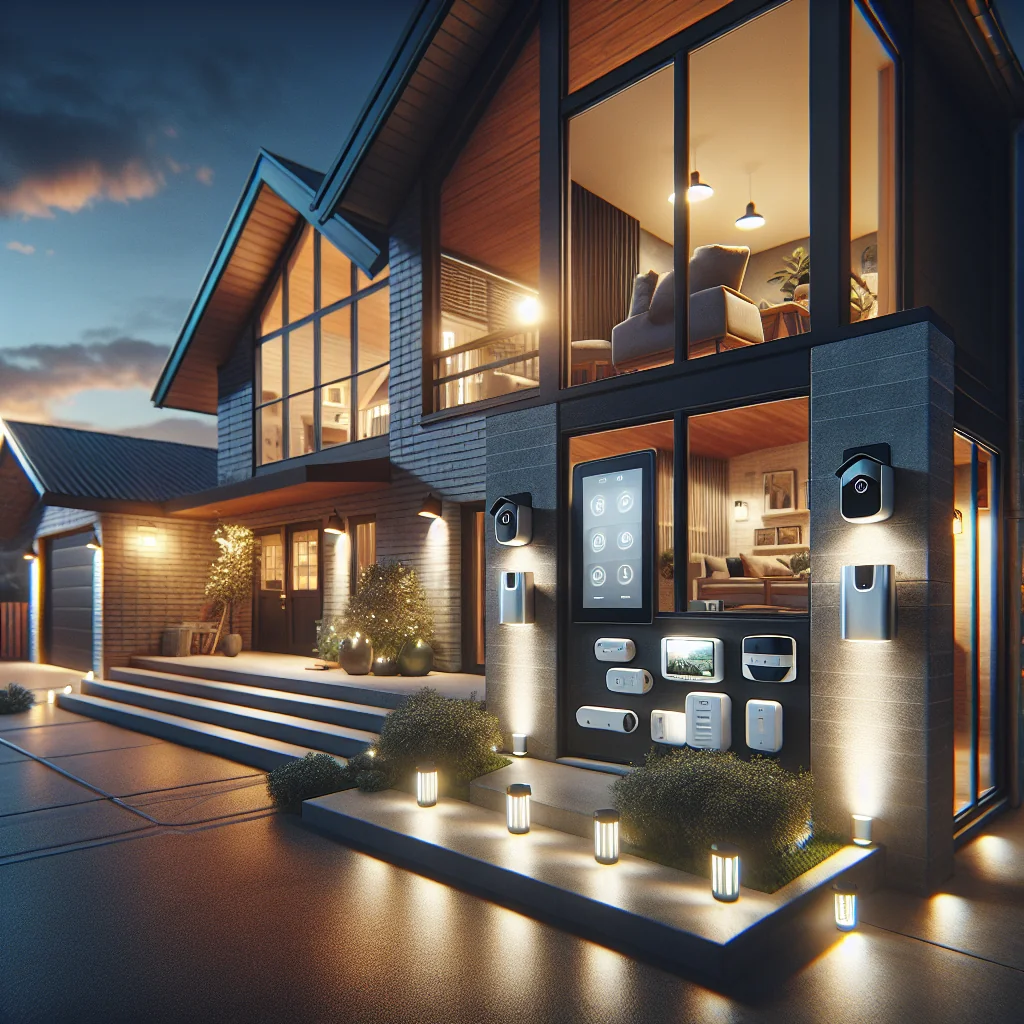
Most systems have a main control unit, sensors around the home, a siren, and a way to send alerts to phones or a monitoring center. Many newer systems also link to smart locks, cameras, and voice assistants.
The goal is simple: reduce the chance of a break-in, limit damage from fire or leaks, and help you respond faster when something goes wrong.
Core Components of a Home Security System
Almost every system, from basic to high-end, is built from the same core parts. The difference is usually how many devices you have and how they connect.
Understanding each component helps you decide what you truly need instead of paying for extras that add little value.
Control panel or base station
The control panel, sometimes called a hub or base station, is the brain of the home security system. It receives signals from sensors and decides what happens next, such as sending an alert or triggering a siren.
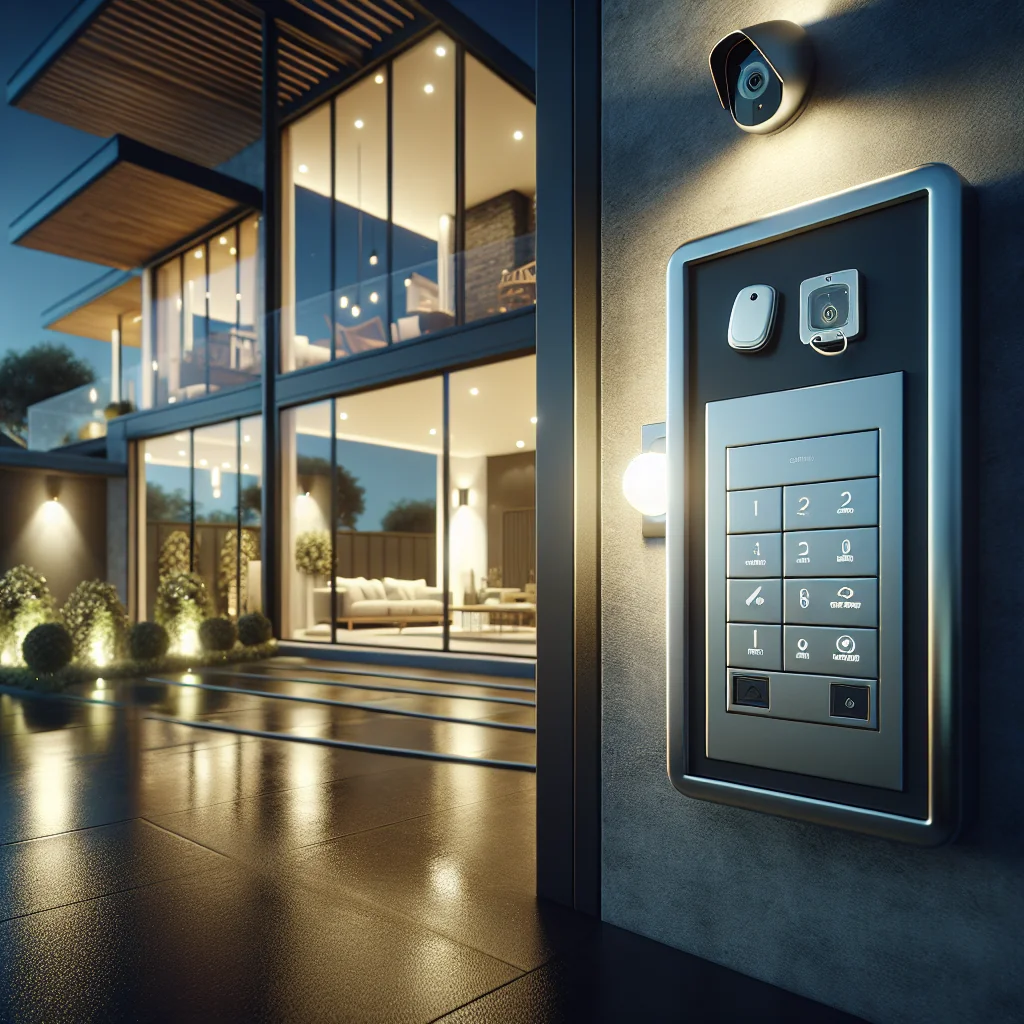
Some panels have a keypad and screen on the wall, while others are small hubs you hide on a shelf. Most connect to your router by Wi‑Fi or Ethernet and often have a backup battery for power cuts.
Sensors and detectors
Sensors are the eyes and ears of the system. They watch for changes and send a signal to the control panel when something happens.
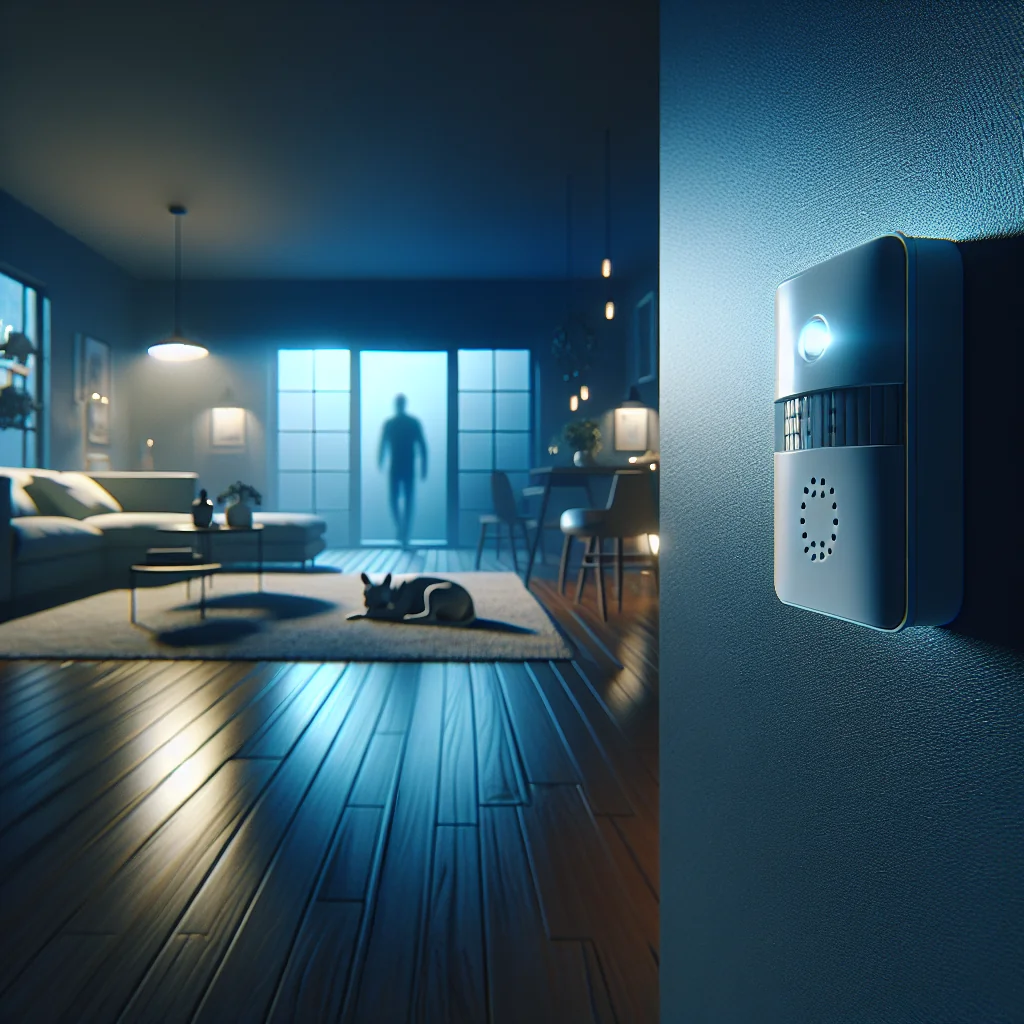
Common sensor types include door and window contact sensors, motion detectors, glass break sensors, smoke and heat detectors, carbon monoxide detectors, and water leak sensors. You do not need every type, but a mix of a few key ones covers most risks in a typical home.
Alarms, cameras, and smart devices
A siren gives a clear signal that something is wrong. Many systems include an internal siren in the hub and allow an extra outdoor siren for neighbors to hear.
Cameras add visual proof and help you check alerts. You can place cameras indoors, outdoors, and at the door as a video doorbell. Smart locks, smart lights, and smart plugs can also link to the system to lock doors or turn on lights during an alarm.
How a Home Security System Works Step by Step
Most systems follow the same basic process, whether wired or wireless. Knowing this flow helps you understand what happens in an emergency.
- Arming the system: You set the system to “away,” “home,” or “night” mode using a keypad, app, or key fob. Each mode controls which sensors are active.
- Monitoring for events: Active sensors watch for triggers like a door opening, motion, smoke, or a leak. The control panel listens for these signals.
- Trigger and verification: When a sensor trips, the panel checks the rules. For example, a motion sensor may be ignored in “home” mode but active in “away” mode.
- Alert or alarm: If the rules say the event is serious, the system triggers the siren, sends a push notification, SMS, or call, and may notify a monitoring center if you have one.
- Response: You or the monitoring center decide what to do. That may mean checking cameras, calling a neighbor, or contacting police, fire, or other services.
This process often runs in seconds. A good setup reduces false alarms while still reacting fast to real threats.
Wired vs Wireless Home Security Systems
Most people today choose wireless systems, but wired setups still have clear use cases. The best choice depends on your home type, whether you rent or own, and how much you want to install yourself.
Key differences between wired and wireless systems
| Type | How it connects | Main advantages | Main drawbacks |
|---|---|---|---|
| Wired | Cables between panel, sensors, and sometimes power | Stable connection, no sensor batteries, hard to jam | Harder to install, messy in finished homes, less flexible |
| Wireless | Radio signals (often proprietary) plus Wi‑Fi or cellular | Easy DIY install, flexible placement, simple to expand | Sensor batteries to replace, may face interference |
Many modern systems are “hybrid,” meaning the main panel is wired to power and the internet, while sensors and some keypads are wireless. This mix gives stability and flexibility.
Monitored vs Self-Monitored Home Security
Every home security system needs someone to respond to alerts. The main choice is between professional monitoring and self-monitoring through your phone.
Professional monitoring means a staffed center receives alerts and can call emergency services on your behalf. Self-monitoring means you receive alerts directly and decide what to do.
Many people start with self-monitoring to avoid monthly fees, then add professional monitoring later for extra peace of mind, especially if they travel often or live alone.
Essential Features to Look For in a Home Security System
The security market is full of features and buzzwords. Focus on a few core features that have real impact on safety and ease of use.
Use this checklist of key points as a quick reference while you compare brands and packages.
- Reliable communication: Wi‑Fi plus cellular backup or at least a stable wired internet link.
- Battery backup: A hub that keeps working during short power cuts.
- Easy app control: Clear mobile app for arming, alerts, and viewing cameras.
- Zone and mode control: Ability to set different rules for home, away, and night.
- Event history: Log of past alerts, sensor triggers, and user actions.
- Smart home support: Works with common platforms like Alexa, Google, or Apple.
- Scalability: Option to add more sensors, cameras, or automation later.
- Privacy controls: Clear options to manage camera access, audio, and data sharing.
Features that sound impressive but confuse daily use usually end up disabled. Prioritize clarity, reliability, and control over long lists of advanced options you will never touch.
Planning a Home Security System for Your Space
Before buying hardware, take a few minutes to map your home and think about risk. A small plan on paper often saves money and avoids gaps later.
Start with your entry points: doors, ground-floor windows, and any balcony or back entrance. Then add areas where you store valuables, such as a home office or master bedroom.
Basic coverage for apartments and small homes
For a small space, you can often start with a simple kit. A hub, a few door sensors, one motion detector, and a smart lock or camera at the main entrance cover most needs.
If you live in a building with good fire systems, you may still want your own smoke detector linked to your phone, especially if you travel or leave pets at home.
Expanded coverage for larger houses
Larger homes benefit from more zones and sensors. Add door and window sensors to key points, motion sensors in main hallways, and cameras covering entrances and outdoor paths.
Consider leak detectors near washing machines, water heaters, and under sinks. A few small devices like this can prevent large water damage bills.
Cost Factors and Ongoing Expenses
The cost of a home security system has two parts: upfront hardware and ongoing service. Thinking about both helps you avoid surprises later.
Hardware costs include the hub, sensors, sirens, keypads, and cameras. Monthly costs can include professional monitoring, cloud video storage, and sometimes extended warranties or support plans.
Many DIY systems let you pay only for cloud storage or monitoring if you want it. This flexibility is helpful if your budget is tight or your plans may change.
Privacy and Security Considerations
A home security system adds safety, but it also collects data. That data can include video, audio, and location information, so treat it with care.
Look for clear privacy policies, the option to store video locally if you prefer, and strong account security features like two-factor authentication. Avoid sharing camera access widely unless you trust every person who has the login.
Place indoor cameras in shared areas, not private spaces like bathrooms or inside bedrooms. For guests, it is good practice to say where cameras are, especially if they record audio.
Is a Home Security System Worth It?
No system can guarantee that a break-in or fire will never happen. What a home security system can do is reduce risk, shorten response time, and give you more control in an emergency.
For many people, the real value is peace of mind: knowing that doors are locked, sensors are armed, and alerts will reach you wherever you are. If you choose a system that fits your space and budget, that peace of mind usually feels worth the effort.
Start small with the essentials, test the system often, and expand as your needs change. A well-planned home security setup is a living part of your home, not just a box on the wall.